SERIES 01Laser cutting
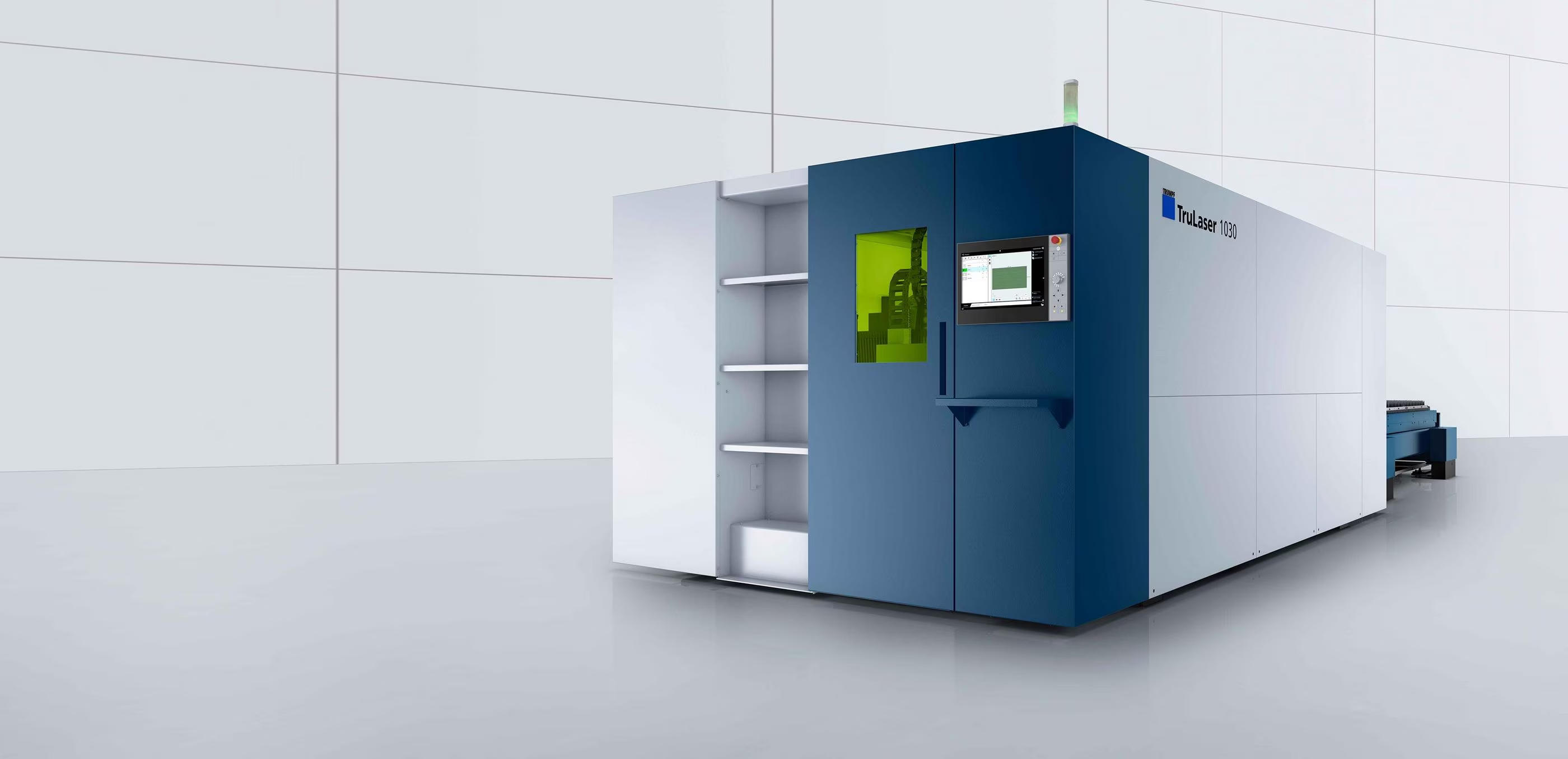 In production
Laser cutting
Understand the cut. Learn how geometry, assist gas, and edge quality affect the finished part.
8 planned lessonsExplore series
Learn the process. Build with confidence.
Better files.
Better parts.
Explore the decisions behind a well-made part, from your first CAD file to cutting, forming, and finishing.
Explore the libraryUnderstand how laser cutting works and the design choices that shape your result.
01 / The library
Video lessons are in production. Explore the planned topics, or use our written guides today.
Design guidelinesIn productionUnderstand the cut. Learn how geometry, assist gas, and edge quality affect the finished part.
 In production
Design around the bend. Explore tooling, flange length, springback, and flat patterns.
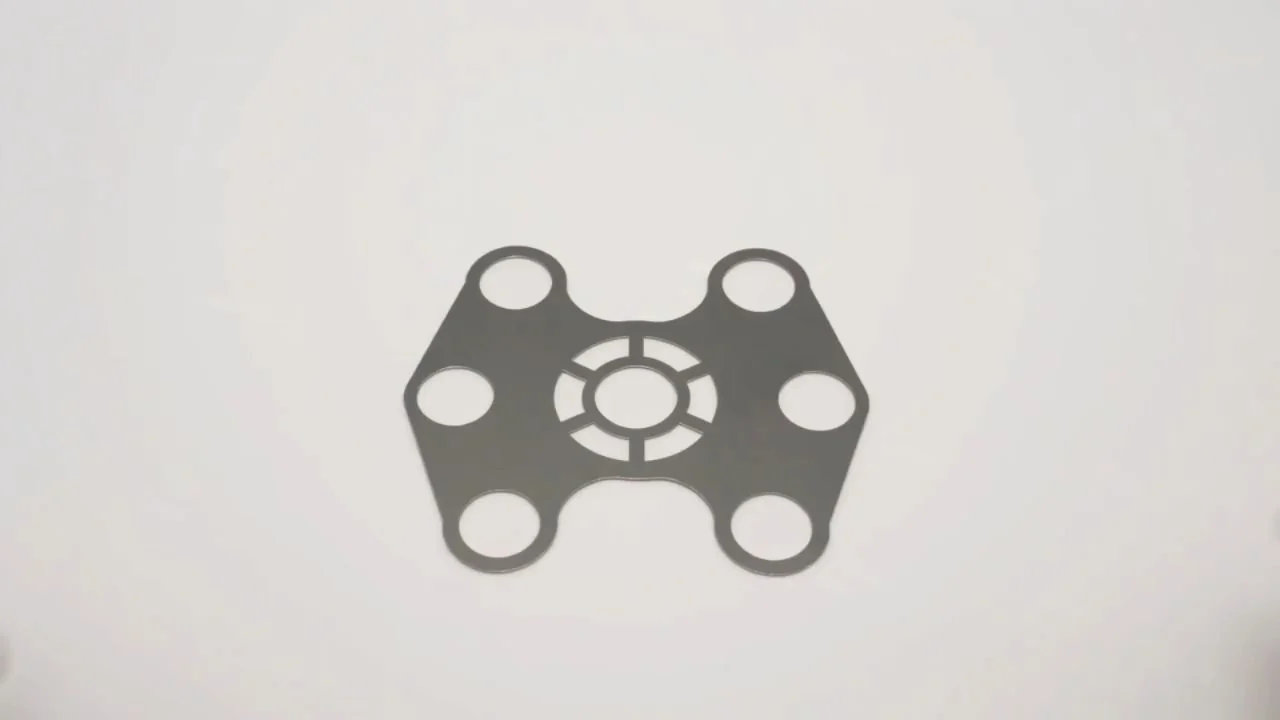 In production
Choose the right starting point. Compare alloys, thicknesses, and material properties.
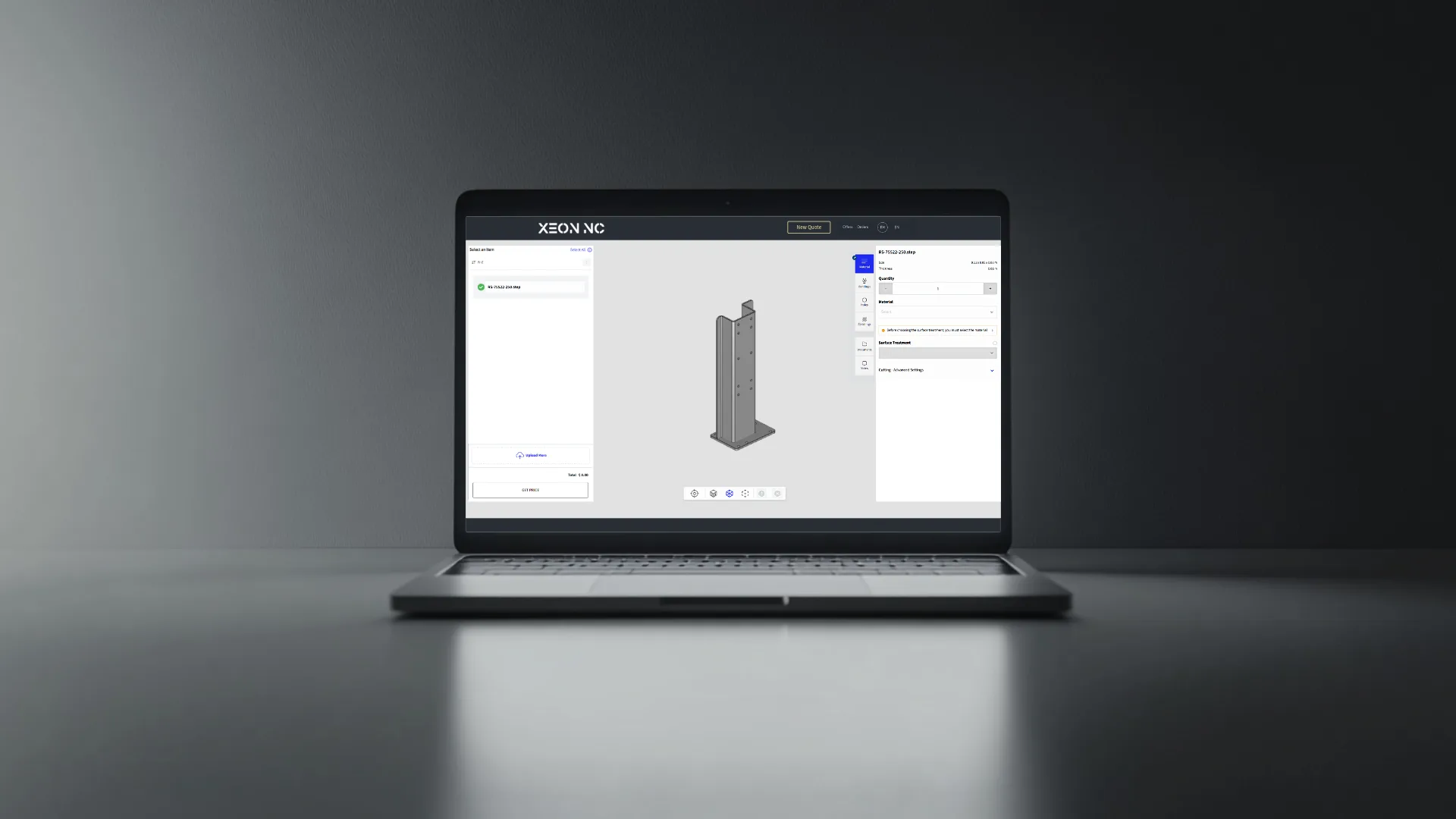 In production
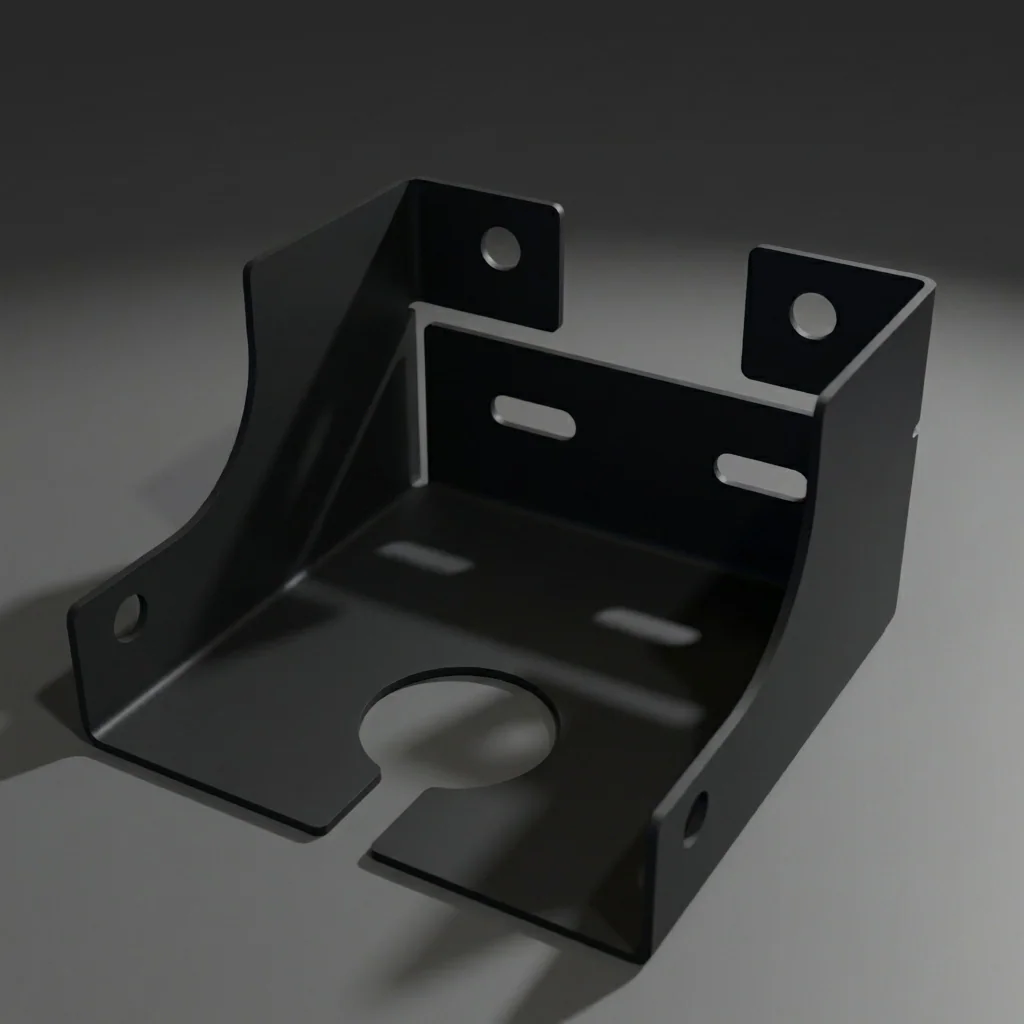
Give your design a clean handoff. Prepare cutting profiles, export files, and plan for hardware.
 In production
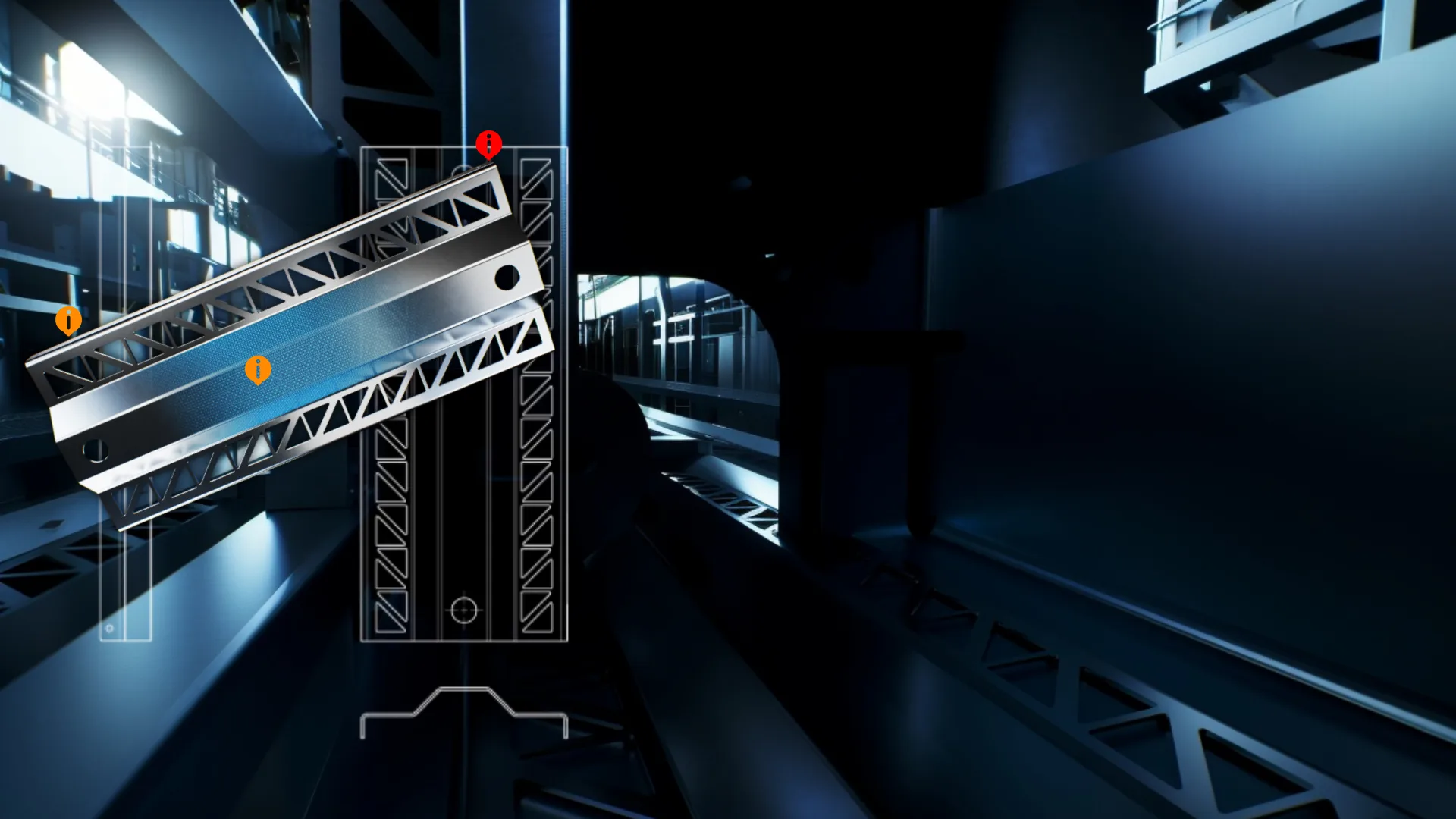
Plan the final surface. Learn how coating, anodizing, and deburring fit into your design.
 In production
Know what comes next. Follow the path from your first quote to production and delivery.
Laser cutting Lesson 01
An inside look at how high-powered fiber lasers vaporize sheet metal with precision down to ±0.005″.
Laser cutting Lesson 02
Why gas choice matters for edge quality, and when to use each for steel, aluminum, and stainless.
Laser cutting Lesson 03
Understanding kerf compensation and how to design holes and slots for correct fit after cutting.
Laser cutting Lesson 04
How we gang multiple parts onto one sheet and what max sizes are supported by our machine bed.
Laser cutting Lesson 05
Design rules for minimum hole diameters relative to material thickness. When tapping becomes an option.
Laser cutting Lesson 06
What to expect on a raw laser-cut edge, and when deburring is needed for assembly or aesthetics.
Laser cutting Lesson 07
How cutting parameters and edge characteristics differ across our three main material families.
Laser cutting Lesson 08
The 8 most common DXF errors that slow down production or cause scrap — and how to avoid them.
CNC bending Lesson 01
A walkthrough of the air bend process, die selection, and how bend angle is controlled to ±0.5°.
CNC bending Lesson 02
The math behind how material stretches during bending, and how K-factor affects your flat blank length.
CNC bending Lesson 03
Why metal springs back after bending, how springback varies by material, and how our CNC brake compensates.
CNC bending Lesson 04
Why short flanges are a problem and how to calculate the minimum flange for your gauge and die width.
CNC bending Lesson 05
How to choose the right inside bend radius for your material and thickness to avoid cracking.
CNC bending Lesson 06
How to design boxes and chassis that can physically be bent on a press brake — avoiding tooling clashes.
CNC bending Lesson 07
Reading and creating flat patterns — how to communicate a bent part clearly in your DXF file.
Materials Lesson 01
The most common choice engineers get wrong. Learn the real differences between 5052 and 6061 for sheet metal.
Materials Lesson 02
A1008 CRS vs A36 HRS — surface finish, tolerances, weldability, and when to choose each.
Materials Lesson 03
Going beyond the specs. When does the molybdenum in 316 actually matter for your application?
Materials Lesson 04
How to read and apply a material spec sheet — UTS, yield, elongation, and what they mean for fabrication.
Materials Lesson 05
A systematic guide to choosing the right gauge — accounting for load, bend radius, and weight.
Materials Lesson 06
An overview of C260, C360, and C110 copper for specialty applications — properties, limitations, and cost.
CAD & file preparation Lesson 01
The right way to set up a DXF file for laser cutting — units, layers, line types, and what to avoid.
CAD & file preparation Lesson 02
Open contours, duplicate lines, small gaps — the exact issues that flag your file and delay your order.
CAD & file preparation Lesson 03
Step-by-step: how to export a flat DXF from SolidWorks sheetmetal with correct scale and layer setup.
CAD & file preparation Lesson 04
How to design 1U–8U 19″ rack panels to spec — hole patterns, tolerances, and connector cutouts.
CAD & file preparation Lesson 05
82° vs 90° countersinks, design rules, and how to call out countersinks correctly in your file.
CAD & file preparation Lesson 06
When tapping is viable, thread engagement minimums by gauge, and how to indicate tapped holes in a DXF.
CAD & file preparation Lesson 07
How press-fit hardware works, what standoffs are available, and how to prepare your DXF for them.
CAD & file preparation Lesson 08
Design considerations for anodized aluminum — masking, racking holes, and avoiding finish inconsistencies.
CAD & file preparation Lesson 09
Geometric dimensioning and tolerancing applied to laser-cut sheet metal. What actually matters on a 2D flat part.
Finishing Lesson 01
How electrostatic powder coating works, what surface prep is needed, and what thicknesses to expect.
Finishing Lesson 02
The difference between standard Type II anodizing and Type III hardcoat for wear resistance.
Finishing Lesson 03
Available anodize colors, how Pantone matching works on aluminum, and what colors are achievable.
Finishing Lesson 04
What happens in media tumbling, which materials are compatible, and how edge quality compares to hand deburring.
Finishing Lesson 05
Proven approaches for preventing oxidation on steel — oils, conversion coatings, and powder coat timing.
Quoting & ordering Lesson 01
A live walkthrough of the quoting process — what information to include and what makes a quote quick.
Quoting & ordering Lesson 02
How gang sheeting works and how to structure repeat orders to maximize material efficiency and savings.
Quoting & ordering Lesson 03
What factors speed up or slow down production — material availability, complexity, and secondary services.
Quoting & ordering Lesson 04
Line by line: how to read a quote, what each cost component means, and where to look for savings.
Quoting & ordering Lesson 05
How your parts are packaged, what quality checks happen before shipping, and what to do if parts arrive damaged.
Use a broader term, choose another topic, or clear your filters.
02 / Put it into practice
Practical resources you can use today.
Export steps for Onshape, Fusion 360, AutoCAD, and SOLIDWORKS.
Open the file guide 02 / TOOLSExplore bend calculations, sheet utilization, and design reference charts.
Explore the tools 03 / MATERIALSCompare materials, thicknesses, and the processes available for your part.
Browse materialsFrom your file to finished parts