SERIES 01Laser cutting
 In production
Laser cutting
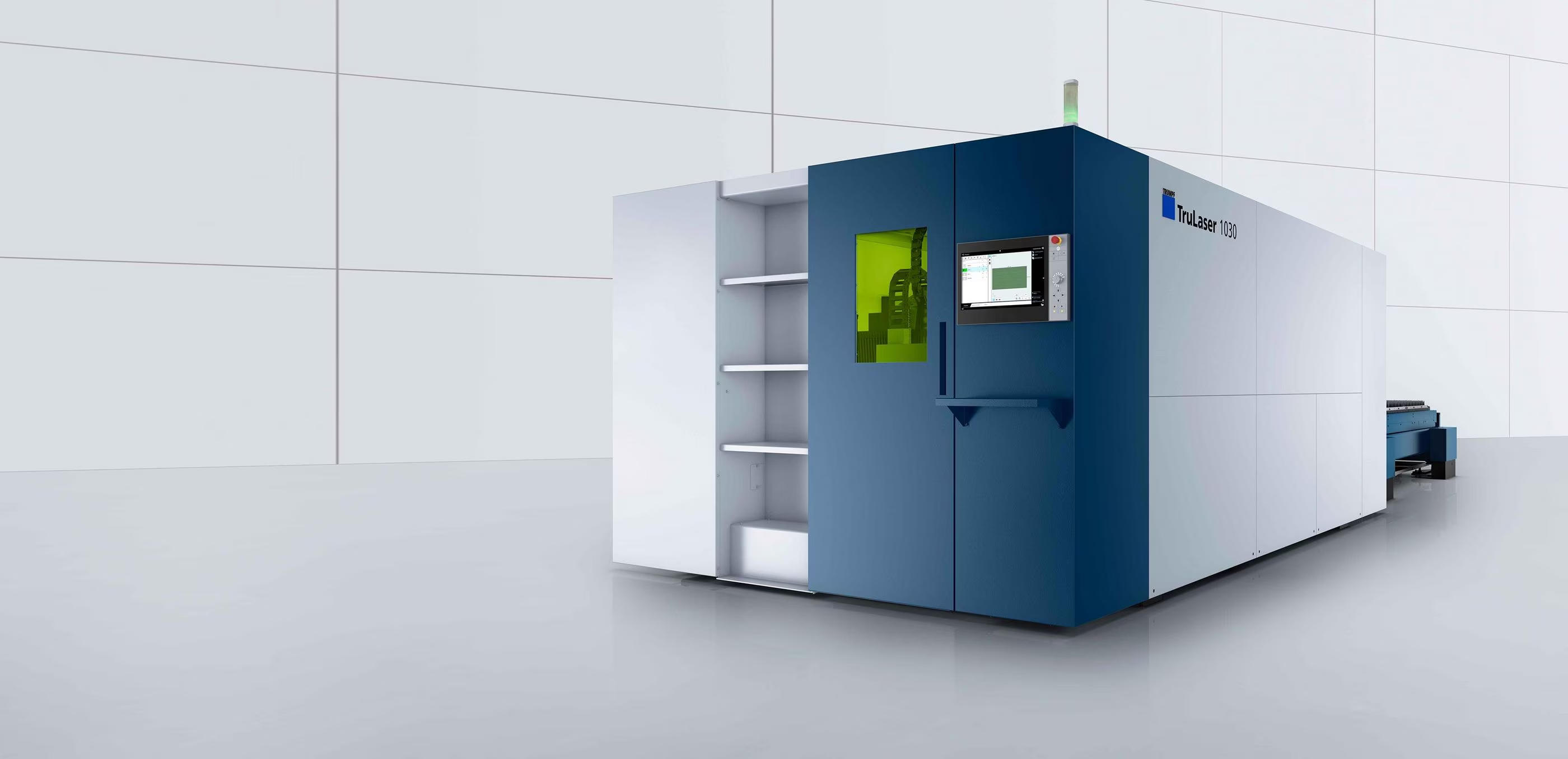
Understand the cut. Learn how geometry, assist gas, and edge quality affect the finished part.
8 planned lessonsExplore series
Series 04 / In production
Give your design a clean handoff. Prepare cutting profiles, export files, and plan for hardware.
09 lessons / CAD & file preparation
A closer look at every step. Explore the lessons. Videos coming soon.
LESSON 01 / beginnerDXF File Setup Basics
Coming soonExplore lesson
Preview image / Video coming soonbeginner / In production
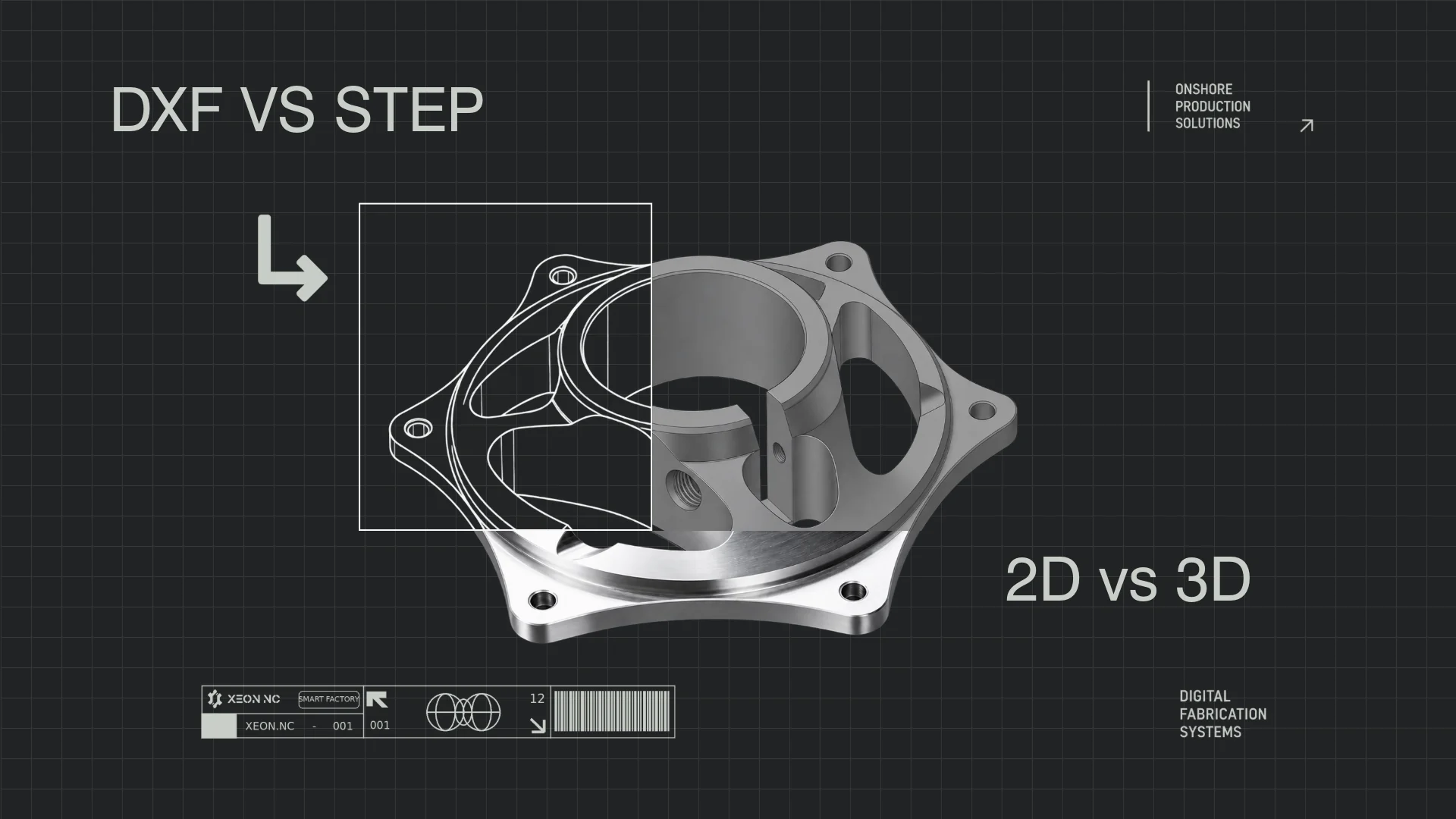
The right way to set up a DXF file for laser cutting — units, layers, line types, and what to avoid.
 LESSON 02 / beginnerCommon DXF Errors That Cause Rejections
Coming soonExplore lesson
Preview image / Video coming soon
LESSON 02 / beginnerCommon DXF Errors That Cause Rejections
Coming soonExplore lesson
Preview image / Video coming soonbeginner / In production
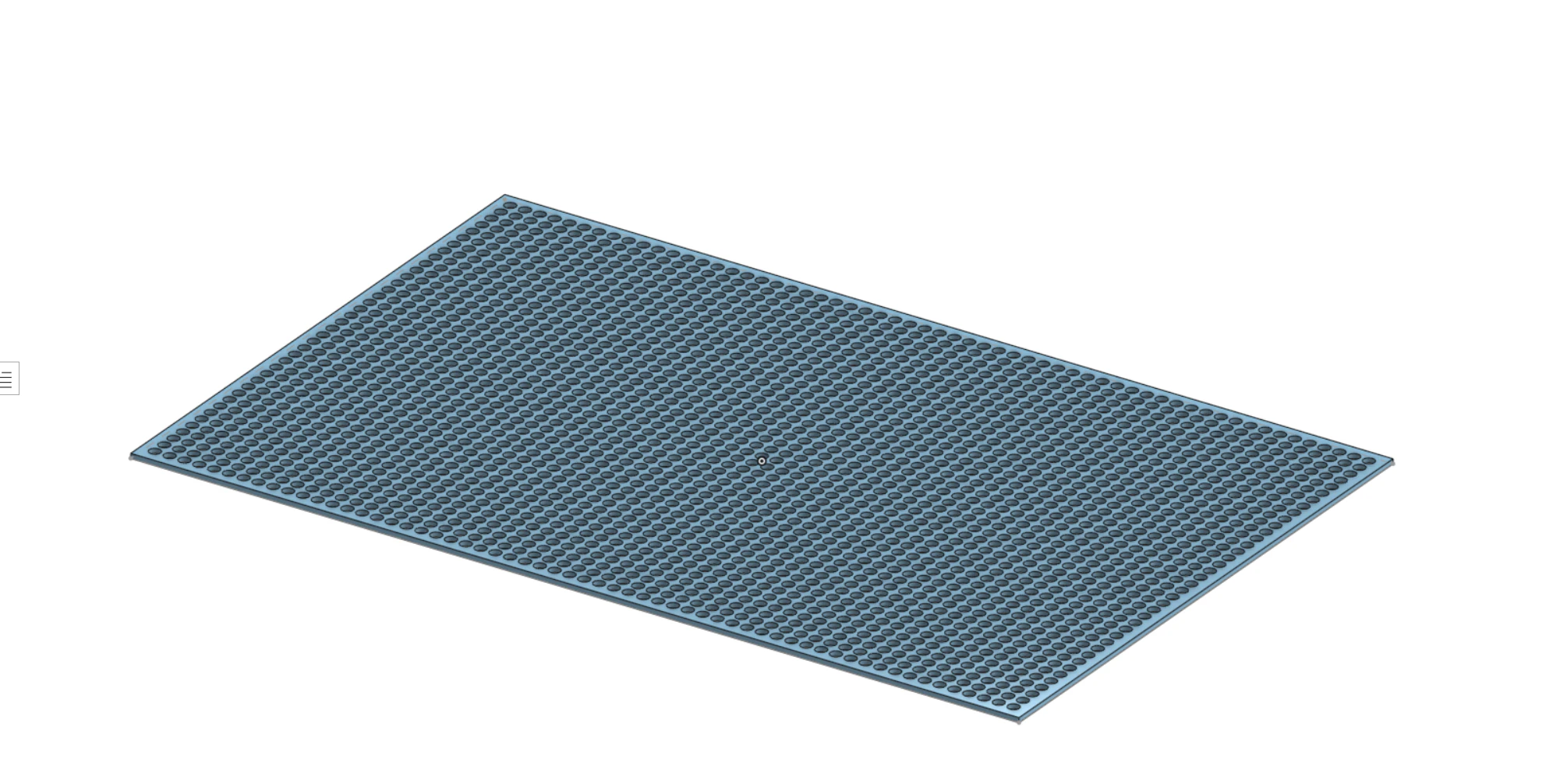
Open contours, duplicate lines, small gaps — the exact issues that flag your file and delay your order.
 LESSON 03 / intermediateExporting from SolidWorks for Laser Cutting
Coming soonExplore lesson
Preview image / Video coming soon
LESSON 03 / intermediateExporting from SolidWorks for Laser Cutting
Coming soonExplore lesson
Preview image / Video coming soonintermediate / In production
Step-by-step: how to export a flat DXF from SolidWorks sheetmetal with correct scale and layer setup.
 LESSON 04 / intermediateDesigning Rack Panels (EIA-310)
Coming soonExplore lesson
Preview image / Video coming soon
LESSON 04 / intermediateDesigning Rack Panels (EIA-310)
Coming soonExplore lesson
Preview image / Video coming soonintermediate / In production
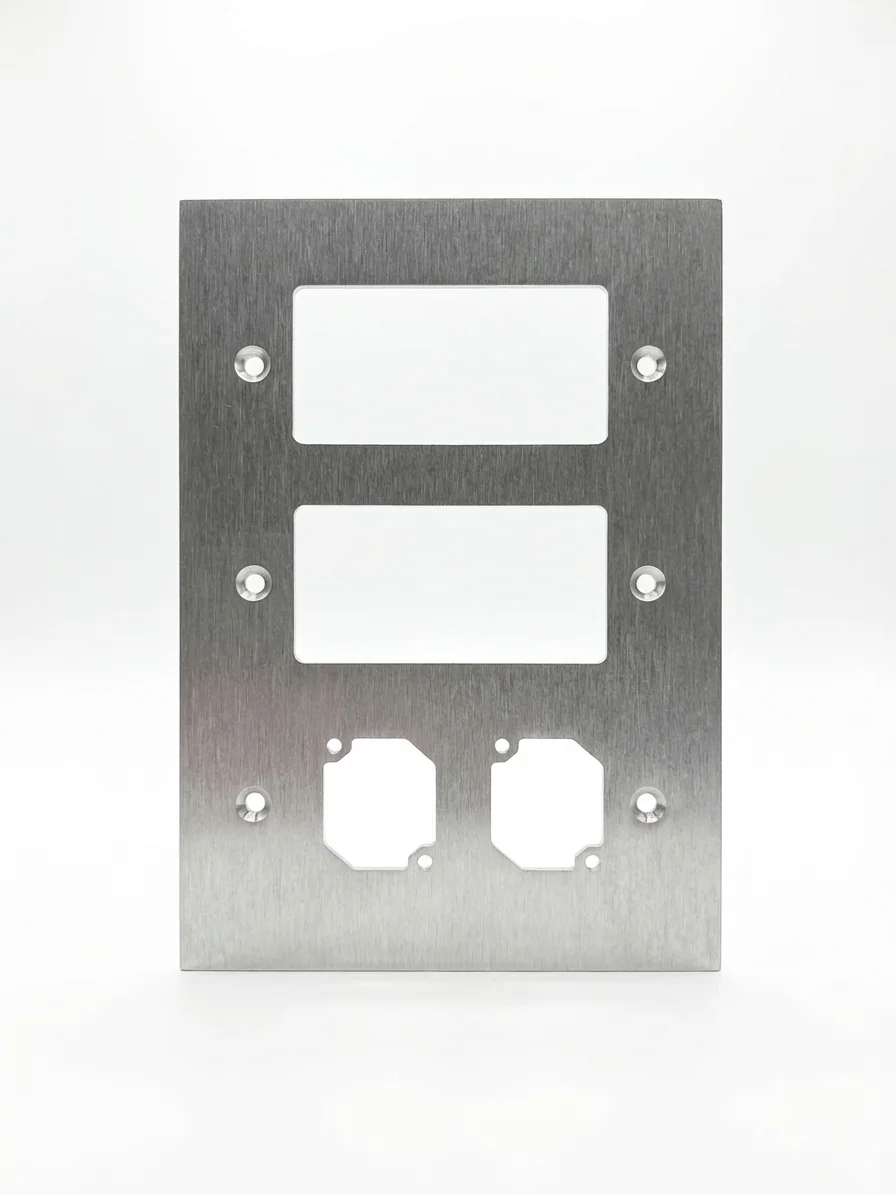
How to design 1U–8U 19″ rack panels to spec — hole patterns, tolerances, and connector cutouts.
 LESSON 05 / beginnerDesigning for Countersinks
Coming soonExplore lesson
Preview image / Video coming soon
LESSON 05 / beginnerDesigning for Countersinks
Coming soonExplore lesson
Preview image / Video coming soonbeginner / In production
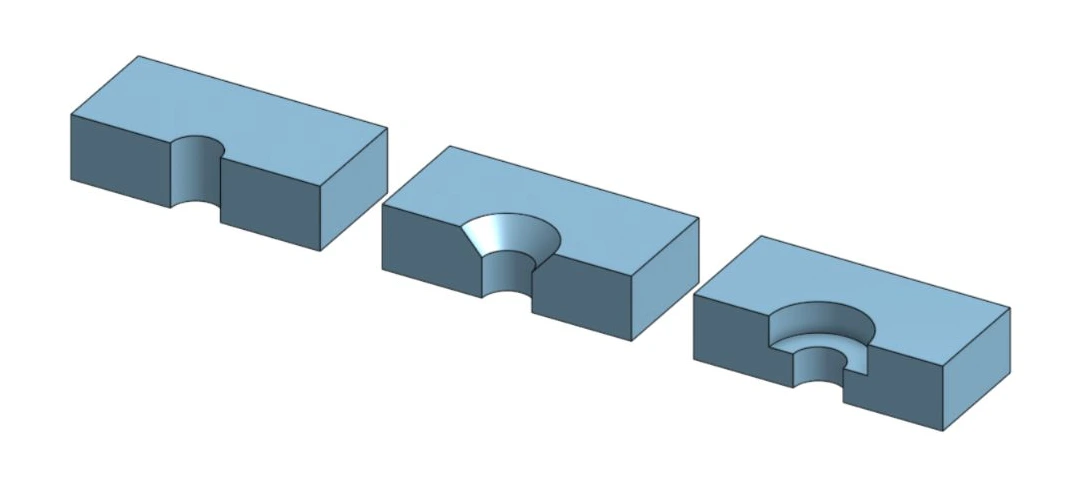
82° vs 90° countersinks, design rules, and how to call out countersinks correctly in your file.
 LESSON 06 / intermediateTapped Holes in Sheet Metal
Coming soonExplore lesson
Preview image / Video coming soon
LESSON 06 / intermediateTapped Holes in Sheet Metal
Coming soonExplore lesson
Preview image / Video coming soonintermediate / In production
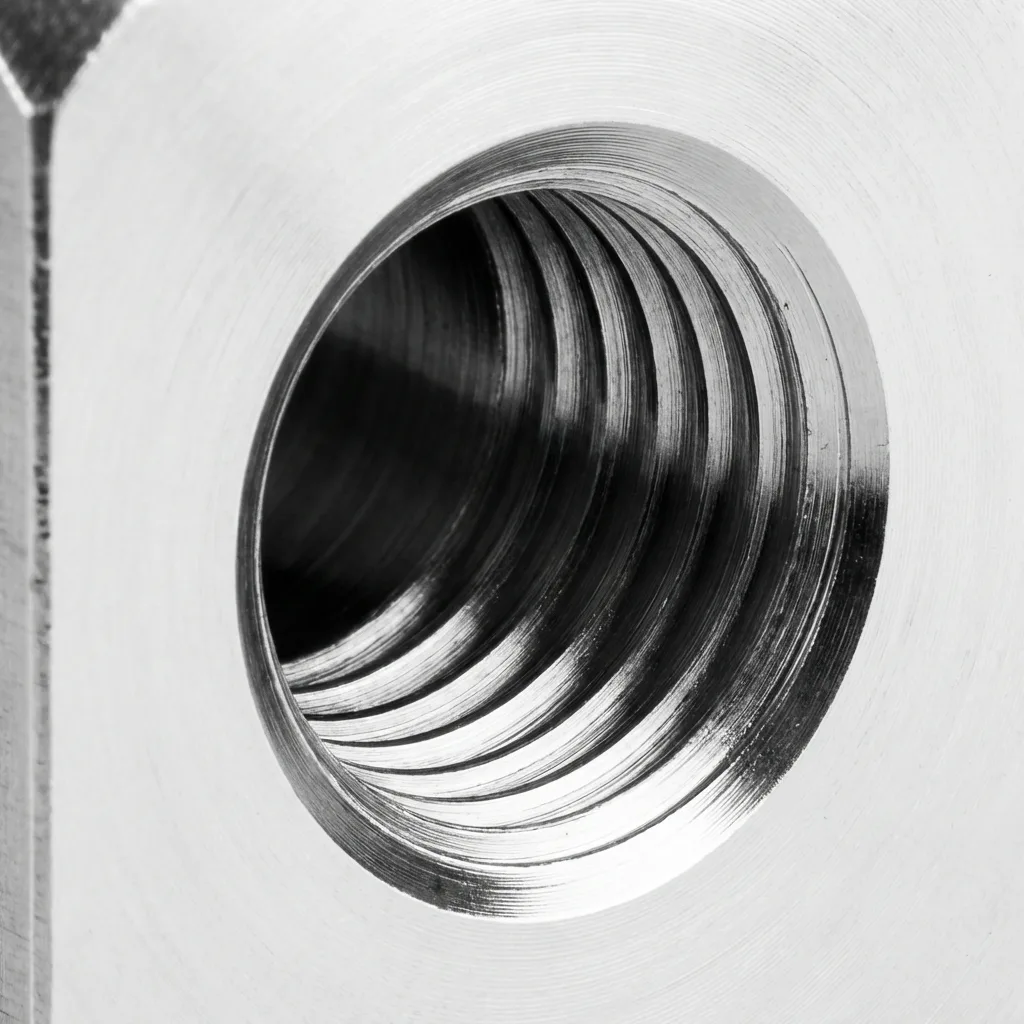
When tapping is viable, thread engagement minimums by gauge, and how to indicate tapped holes in a DXF.
 LESSON 07 / intermediateHardware Insertion: PEM Nuts & Studs
Coming soonExplore lesson
Preview image / Video coming soon
LESSON 07 / intermediateHardware Insertion: PEM Nuts & Studs
Coming soonExplore lesson
Preview image / Video coming soonintermediate / In production
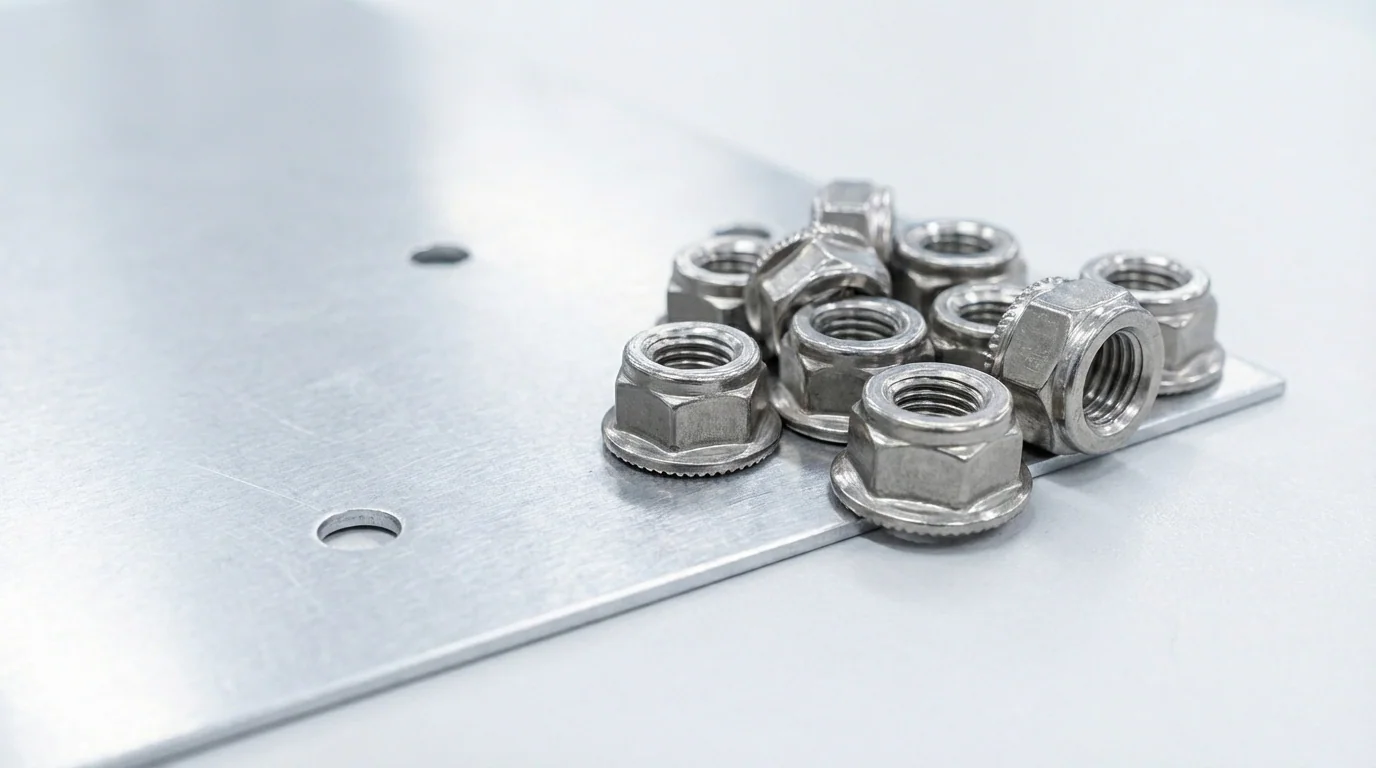
How press-fit hardware works, what standoffs are available, and how to prepare your DXF for them.
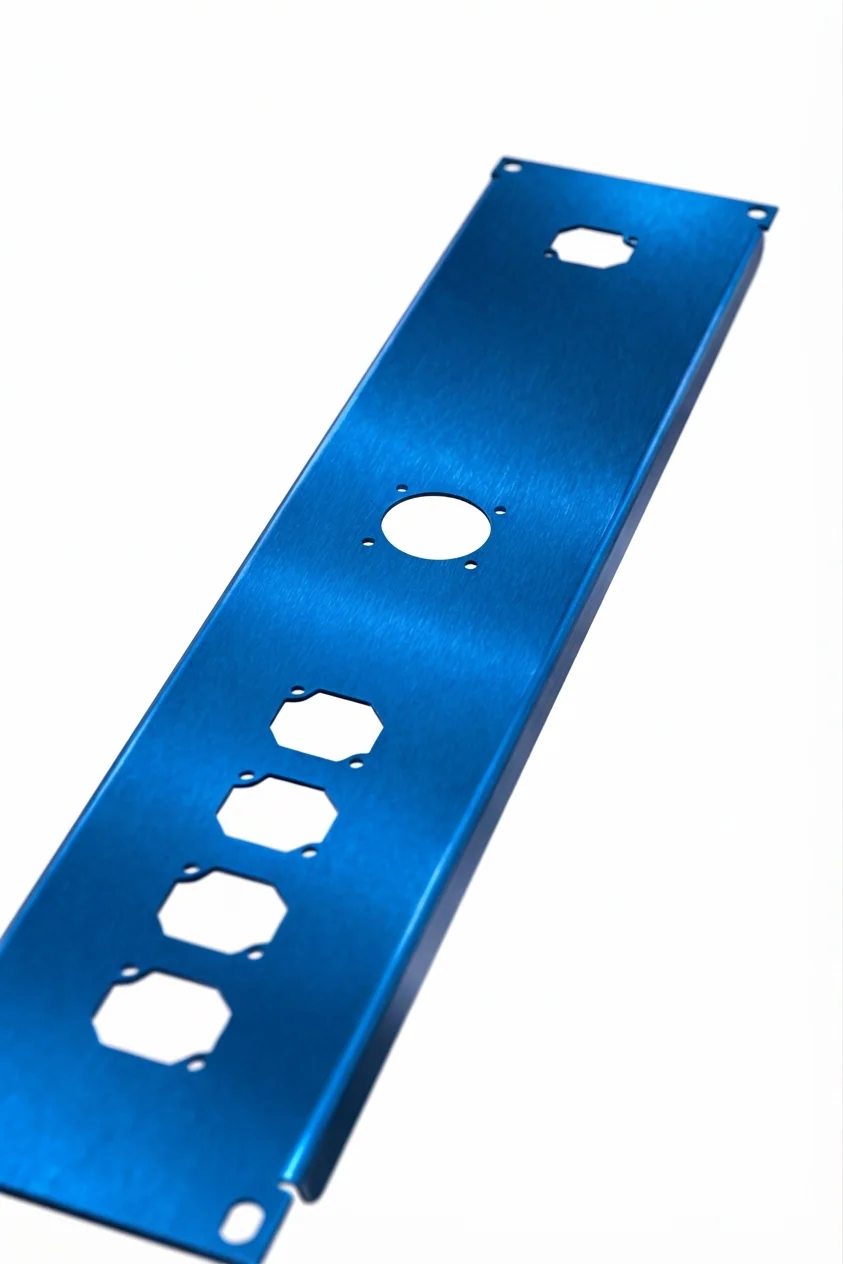 LESSON 08 / advancedDesigning for Anodizing
Coming soonExplore lesson
Preview image / Video coming soon
LESSON 08 / advancedDesigning for Anodizing
Coming soonExplore lesson
Preview image / Video coming soonadvanced / In production
Design considerations for anodized aluminum — masking, racking holes, and avoiding finish inconsistencies.
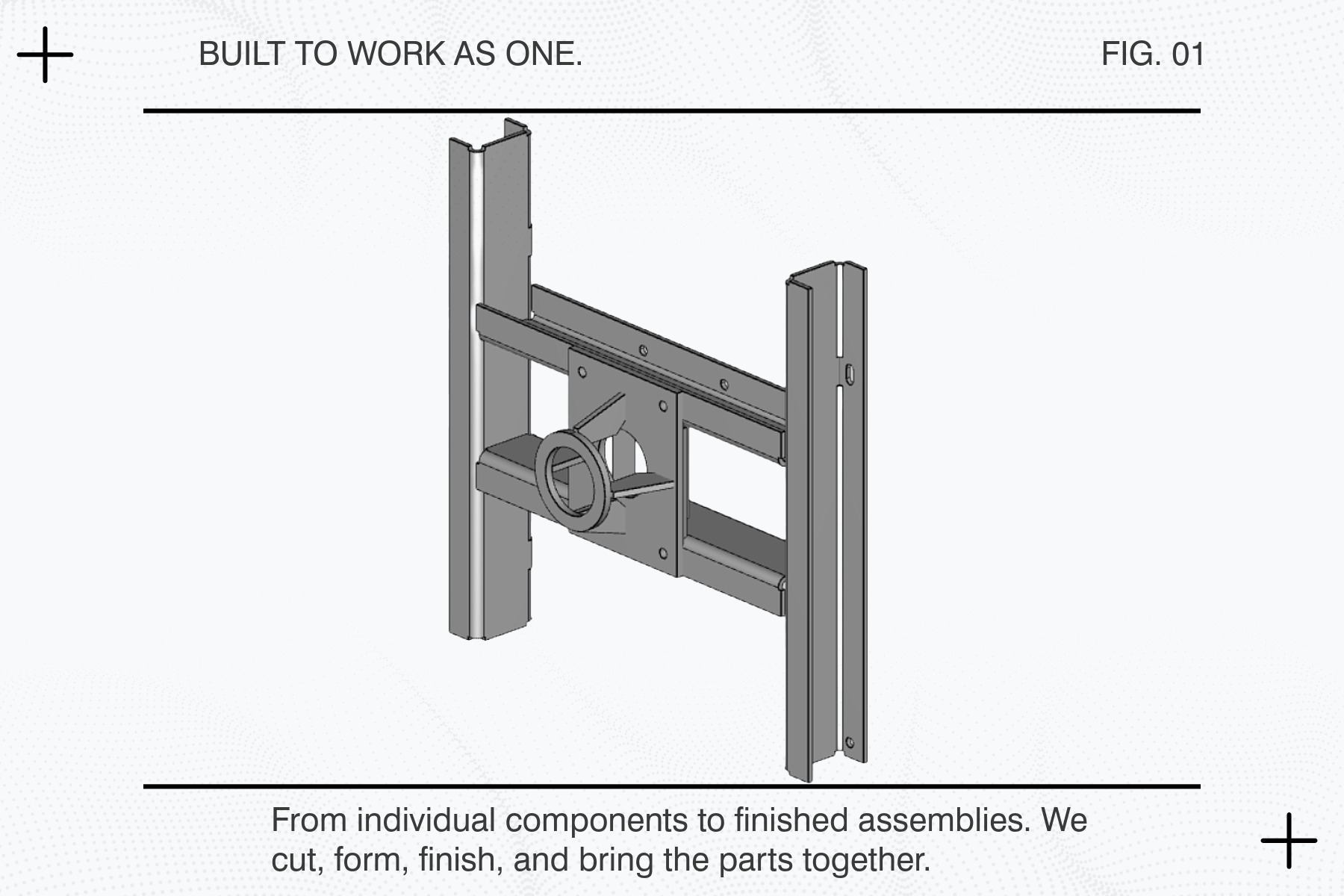 LESSON 09 / advancedGD&T Basics for Sheet Metal
Coming soonExplore lesson
Preview image / Video coming soon
LESSON 09 / advancedGD&T Basics for Sheet Metal
Coming soonExplore lesson
Preview image / Video coming soonadvanced / In production
Geometric dimensioning and tolerancing applied to laser-cut sheet metal. What actually matters on a 2D flat part.
Continue exploring
In productionUnderstand the cut. Learn how geometry, assist gas, and edge quality affect the finished part.
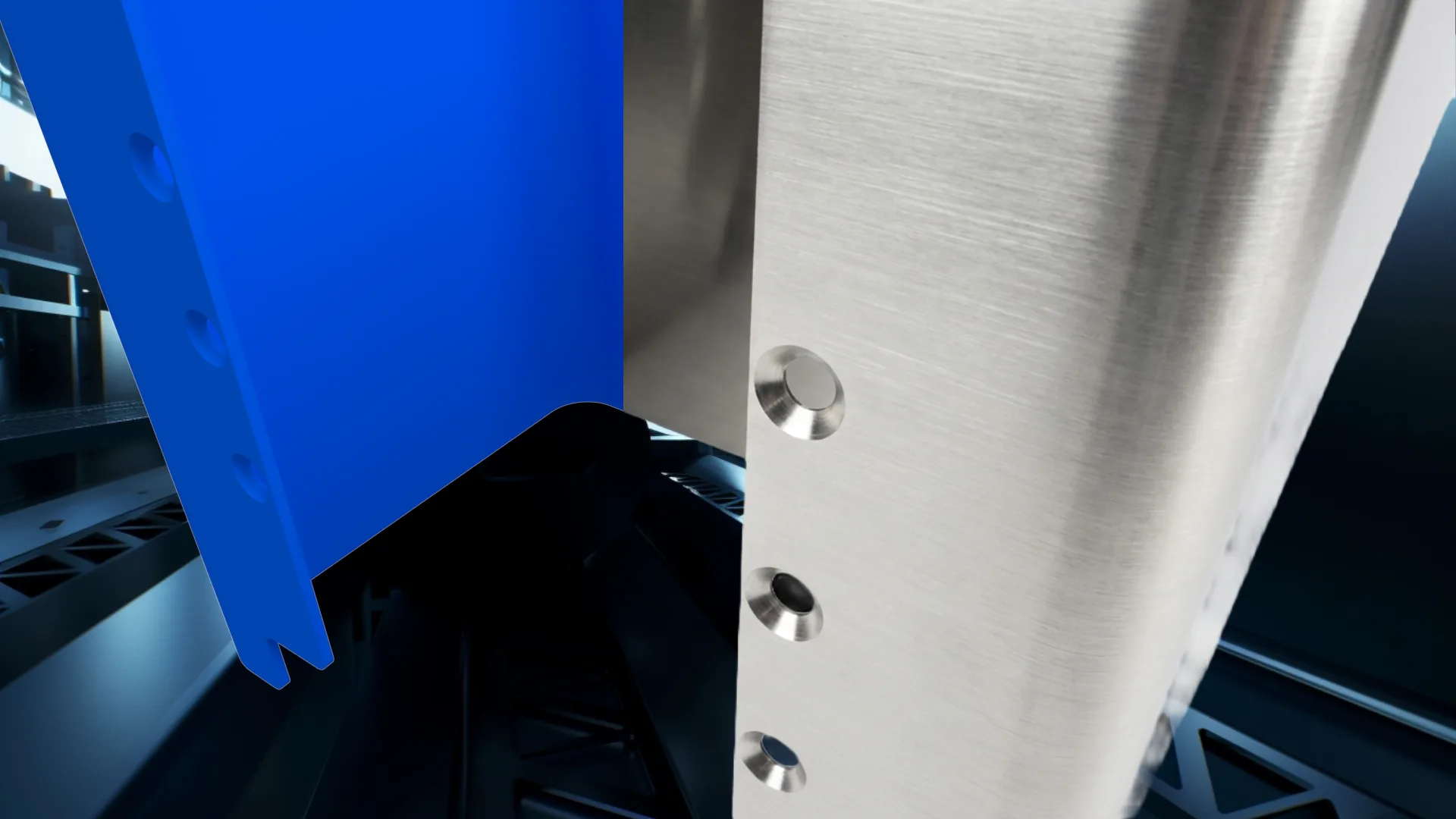 In production
Design around the bend. Explore tooling, flange length, springback, and flat patterns.
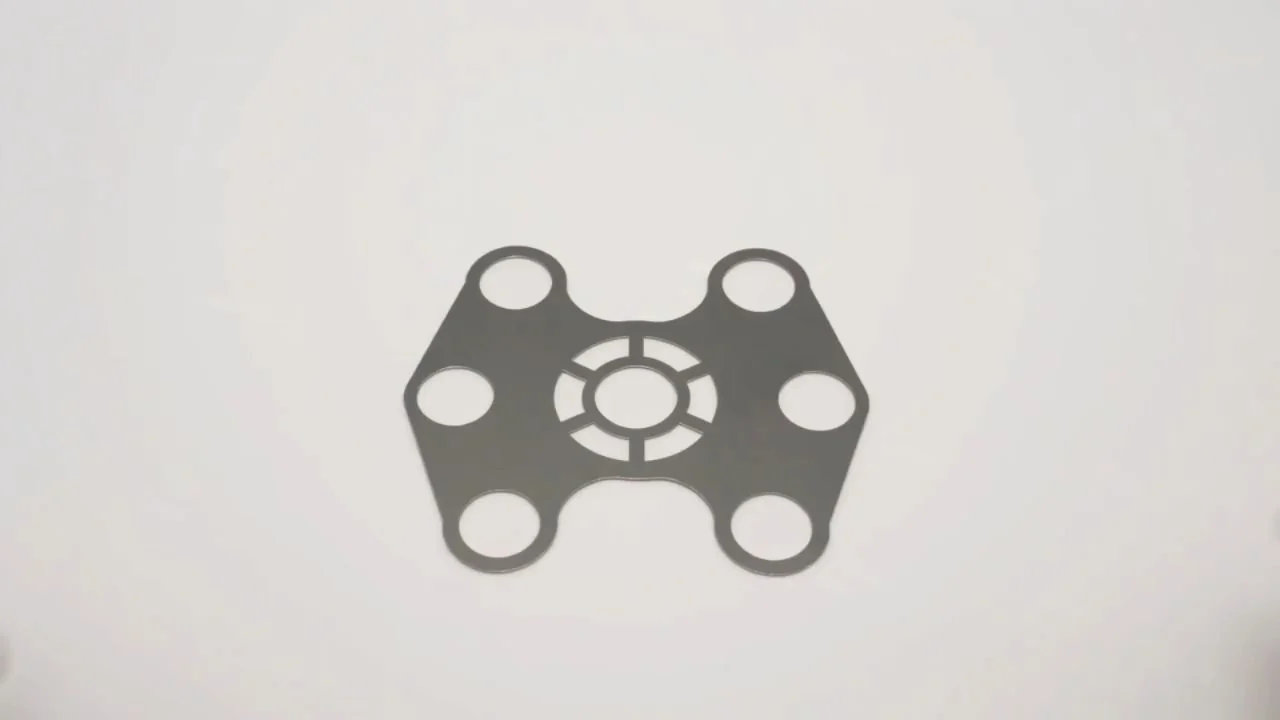 In production
Choose the right starting point. Compare alloys, thicknesses, and material properties.
From your file to finished parts